

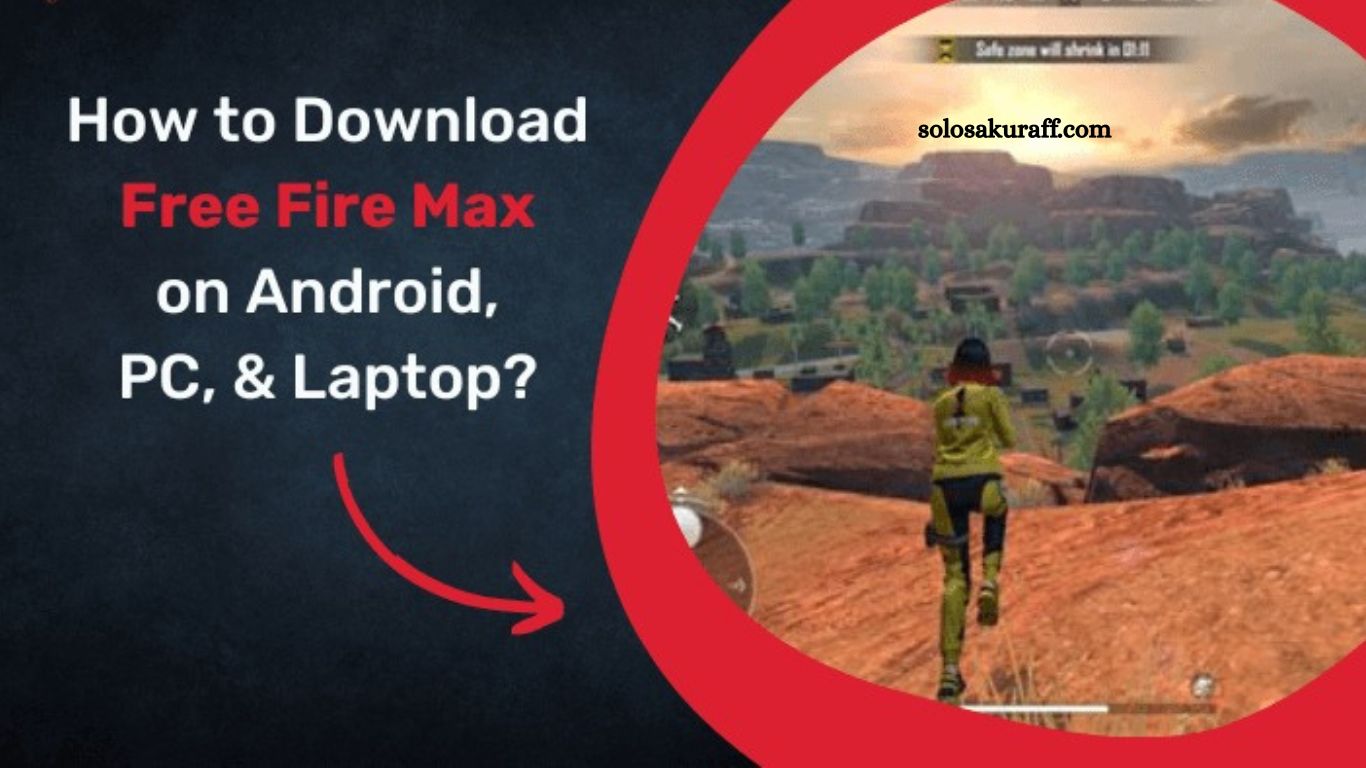
Garena Free Fire MAX continues to attract battle royale enthusiasts worldwide with its upgraded gameplay experience and enhanced visual performance. The game serves as an improved version of Garena Free Fire, offering advanced graphics, smoother animations, and immersive effects while preserving the original gameplay structure. Players searching for Free Fire MAX download options on Android, PC, and laptops can still access the game through official platforms and supported methods.
Following restrictions on the original Garena Free Fire in certain regions, Free Fire MAX has gained increased attention as a stable alternative. The game remains available on the Google Play Store for Android users, while PC and laptop users can access it through Android emulators. The gaming experience remains consistent across devices thanks to Firelink technology, which seamlessly syncs progress and account data.
What is Garena Free Fire MAX?
Garena Free Fire MAX represents an enhanced edition of the popular battle royale title Garena Free Fire. The developers designed this version to deliver upgraded graphics quality, improved textures, and refined gameplay mechanics without altering the core battle system.
Enhanced visual performance stands as the most noticeable improvement in Free Fire MAX. Characters, weapons, maps, and environments feature higher-resolution designs, creating a more realistic and engaging experience. Sound effects and animations also receive optimization to elevate immersion during gameplay.
Read More: Free Fire Max iOS Download Guide: Easy Installation Steps.
Despite graphical upgrades, gameplay consistency remains intact. Players still engage in fast-paced survival matches, strategic combat, and team coordination similar to the original version.
Availability of Free Fire MAX on Devices
Free Fire MAX remains accessible on Android devices through the official Google Play Store. Android users can download and install the game without regional limitations in most areas.
Apple users face restrictions due to the removal of Garena Free Fire MAX from the App Store. iPhone and iPad users cannot install the game through official iOS distribution channels at this time.
PC and laptop users can still enjoy Free Fire MAX using Android emulator software. These tools simulate an Android environment on computers, allowing users to install and play mobile games smoothly.
Key Features of Free Fire MAX
Free Fire MAX introduces several improvements that enhance the overall gaming experience:
Improved graphics quality delivers sharper visuals and more detailed environments. Enhanced lighting effects and shadow rendering create a realistic battlefield atmosphere.
Advanced animation systems provide smoother character movement and weapon handling. Combat sequences feel more fluid and responsive during gameplay.
Firelink technology allows seamless synchronization between Free Fire and Free Fire MAX accounts. Players retain progress, skins, rewards, and achievements across both versions.
Enhanced audio design improves in-game sound effects, including footsteps, gunfire, and environmental sounds. These enhancements help players react faster during matches.
Optimized performance ensures stable gameplay on supported devices while maintaining high visual quality.
How to Download Free Fire MAX on Android Devices
Android users can quickly install Free Fire MAX from the official Google Play Store by following a simple process.
Step 1: Open the Google Play Store
Access the Google Play Store application on your Android smartphone or tablet.
Step 2: Search for the Game
Type “Garena Free Fire MAX” in the search bar to locate the official game listing.
Step 3: Select the Official App
Choose the verified Free Fire MAX application published by Garena International.
Step 4: Install the Game
Tap the install button to begin downloading the game to the device. The installation process completes automatically once the download finishes.
Step 5: Launch and Sign In
Open the game and log in using an existing Free Fire account or create a new one. Firelink technology automatically syncs progress between supported versions.
How to Download Free Fire MAX on PC and Laptop
PC and laptop users need an Android emulator to run Free Fire MAX, as the game does not have native Windows or macOS versions.
Step 1: Install an Android Emulator
Popular emulator options include BlueStacks, LDPlayer, and NoxPlayer. Download and install a trusted emulator compatible with system specifications.
Step 2: Configure the Emulator
Launch the emulator and complete initial setup by signing in with a Google account. This step enables access to the Google Play Store within the emulator.
Step 3: Search for Free Fire MAX
Open the Play Store inside the emulator and search for “Garena Free Fire MAX.”
Step 4: Install the Game
Click the install option and wait for the download to complete. The emulator handles installation automatically.
Step 5: Start Playing
Launch the game from the emulator interface, log in to your account, and start playing Free Fire MAX on your PC or laptop.
System Requirements for Smooth Gameplay
Smooth performance on Android devices typically requires a mid-range or higher-end smartphone with at least 2-4GB of RAM. A stable internet connection ensures uninterrupted gameplay during online matches.
PC and laptop systems require moderate specifications depending on the emulator used. A dual-core processor, 4GB RAM minimum, and stable graphics support provide a better gaming experience. Higher specifications significantly improve frame rates and reduce lag.
Firelink Technology Advantage
Firelink technology plays a crucial role in the Free Fire MAX ecosystem. This system allows players to switch between Free Fire and Free Fire MAX without losing progress.
Account synchronization includes in-game currency, unlocked characters, weapon skins, and achievements. This feature ensures continuity and flexibility across devices and game versions.
Tips for Better Gameplay Experience
Stable internet connectivity improves matchmaking speed and reduces lag during combat. High-performance devices enhance graphics rendering and responsiveness in fast-paced situations.
Custom control settings help players optimize gameplay efficiency. Adjusting sensitivity and layout settings improves aiming accuracy and movement control.
Regular updates from Garena introduce new features, bug fixes, and seasonal content that enhance long-term engagement.
Frequently Asked Questions
Is Free Fire MAX still available for download?
Yes, Free Fire MAX is still available on the Google Play Store for Android users in most regions.
Can I play Free Fire MAX on a PC or a laptop?
Yes, you can play it using Android emulators like BlueStacks, LDPlayer, or NoxPlayer.
Is Free Fire MAX banned in India?
The original Free Fire is banned in some regions, but Free Fire MAX remains accessible on Android in supported areas.
Can iPhone users download Free Fire MAX?
No, Free Fire MAX is currently not available on the Apple App Store for iOS devices.
What is Firelink technology in Free Fire MAX?
Firelink technology allows players to sync their account progress, items, and data across Free Fire and Free Fire MAX.
Do I need a high-end device to play Free Fire MAX?
No, but a mid-range device with at least 2–4GB RAM is recommended for smooth performance.
Is Free Fire MAX the same as Free Fire?
Gameplay is similar, but Free Fire MAX offers improved graphics, better effects, and enhanced animations.
Conclusion
Free Fire MAX delivers an upgraded battle royale experience with enhanced graphics, smoother animations, and improved performance while keeping the original gameplay intact. Android users can easily install it from the Google Play Store, while PC and laptop players can access it through trusted Android emulators.
