

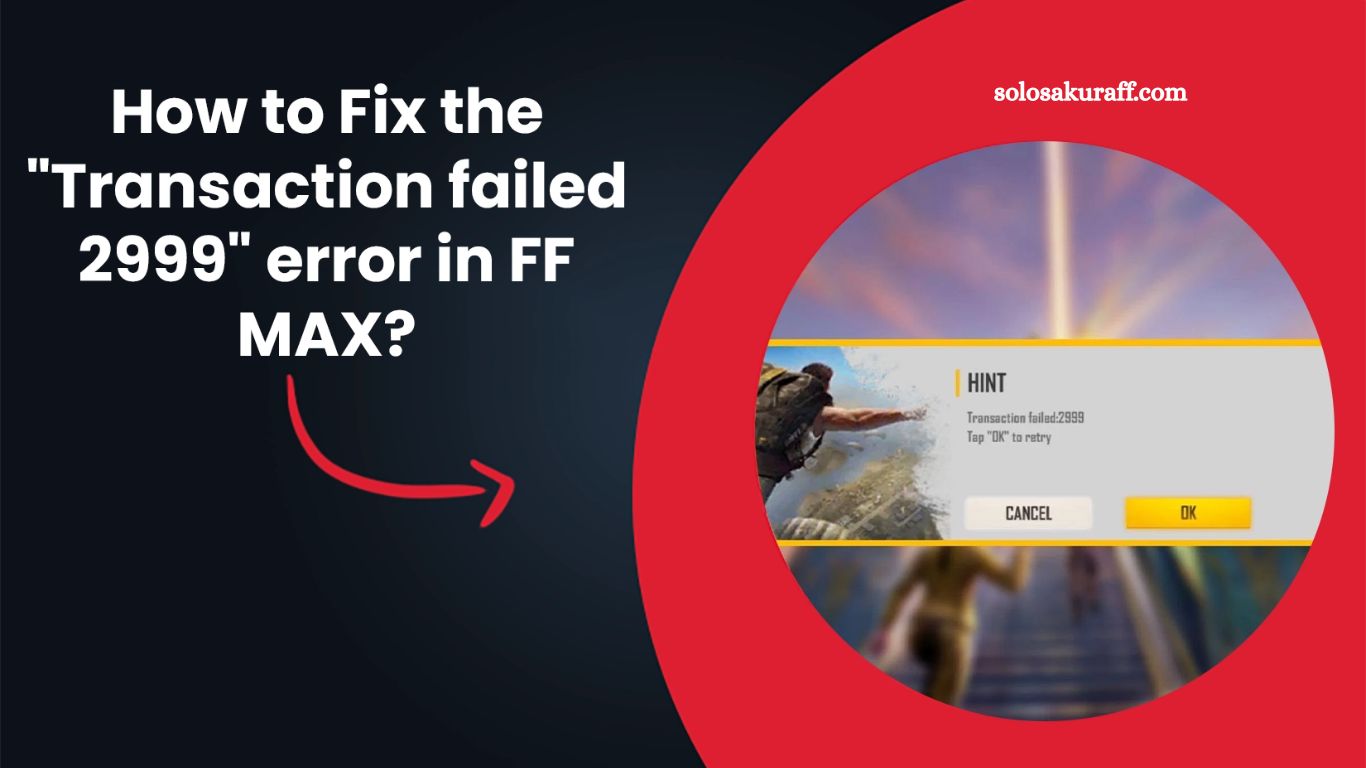
Free Fire MAX offers a wide range of skins, outfits, weapons, and cosmetic items that allow players to customize their in-game experience. Most of these items are available through the in-game store, Royale Pass, Elite Pass, and limited-time events. To unlock premium content, players usually rely on diamonds, the main in-game currency purchased with real money.
However, many players sometimes face a frustrating issue known as “Transaction Failed 2999, which prevents them from completing purchases. This error is commonly linked to network instability or connection-related issues. Fortunately, it can be fixed using a few simple troubleshooting steps.
What is the Transaction Failed 2999 Error in Free Fire MAX?
The Transaction Failed 2999 error usually appears when a player tries to purchase diamonds or an in-game item, but the payment fails. In most cases, this happens due to poor internet connectivity, server communication interruptions, or unstable network settings.
Since Free Fire MAX requires a stable connection to process real-time transactions, even a slight disruption can lead to this error.
Read More: 50 Unique Stylish Free Fire Max Names for Players
Main Causes of Error 2999 in Free Fire MAX
Several factors can cause this transaction to fail. Understanding the root cause helps in applying the right fix.
Weak or Unstable Internet Connection
A poor internet connection is the most common reason behind this error. If your network fluctuates during the payment process, the transaction may fail.
Data Saver or Background Restrictions
If your device has data saver mode enabled, it may restrict background data usage, interrupting the transaction process.
Server or Payment Gateway Delay
Sometimes, Free Fire servers or payment gateways experience temporary delays, causing failed transactions.
Background Apps Interference
Apps running in the background can consume bandwidth and interfere with the game’s network connection.
Outdated Network Settings
Incorrect mobile network settings or DNS issues can also prevent successful transactions.
How to Fix the Transaction Failed 2999 Error in Free Fire MAX
If you encounter this issue, try the following solutions to restore smooth payment processing.
Check Internet Connection Stability
Ensure your internet connection is strong and stable before making any purchase. A fluctuating signal often causes transaction failure.
Switch to a Better Network
Use 4G or 5G mobile data or switch to a reliable Wi-Fi connection for better stability. Avoid weak signals or congested networks.
Disable Data Saver Mode
Turn off data-saving features on your device, as they may restrict the game from processing payment data properly.
Close Background Applications
Before opening Free Fire MAX, close all unnecessary apps running in the background. This helps free up bandwidth and system resources.
Restart Your Device
Restarting your smartphone clears temporary network glitches and refreshes IP and DNS settings, which can resolve transaction issues.
Avoid Public Wi-Fi Networks
Public Wi-Fi connections often have limited bandwidth and security restrictions, which may interrupt in-game transactions.
Reopen the Game After Network Refresh
After switching networks or restarting your device, reopen Free Fire MAX and try the transaction again.
Additional Tips to Prevent Error 2999
To reduce the chances of facing this error in the future, follow these best practices:
- Keep your internet connection stable before making purchases
- Avoid making transactions during peak server hours
- Ensure your game is updated to the latest version
- Restart your device periodically for smoother performance
- Maintain sufficient storage and system performance
- Contacting Garena Free Fire MAX Support
If the issue persists even after trying all fixes, you may need assistance from the official support team. Garena provides a help center where players can report technical issues.
Steps to Submit a Support Request
Visit the official Free Fire MAX support page:
- https://ffsupport.garena.com/hc/en-us
- Click on Sign In and log in using your linked social media account. Guest accounts must be linked before accessing support.
- After logging in, go to your profile and select Submit a Request.
- Choose Free Fire MAX as the game.
Select:
- Request Type: Game Concerns
- Problem Type: Technical Issue
- Describe your issue clearly and attach screenshots or videos if available.
- Submit the request and wait for a response from the support team.
You can also track your request status under the My Requests section.
Frequently Asked Questions
What does the Transaction Failed 2999 error mean in Free Fire MAX?
It means your purchase could not be completed due to network issues, server delay, or unstable internet connection during the transaction process.
Why does error 2999 appear when buying diamonds?
This error usually occurs when your internet connection is weak, unstable, or interrupted while processing a payment in Free Fire MAX.
Can internet issues cause transaction failure in Free Fire MAX?
Yes, poor or fluctuating internet is the most common reason behind the Transaction Failed 2999 error in the game.
How can I quickly fix the 2999 error?
You can fix it by switching to a stable 4G/5G or Wi-Fi connection, turning off data saver mode, and restarting your device.
Does restarting the phone help solve this error?
Yes, restarting your device can refresh network settings and fix temporary IP or DNS issues that may block transactions.
Should I avoid public Wi-Fi for Free Fire purchases?
Yes, public Wi-Fi is often unstable and slow, which can interrupt payment processing and cause transaction failures.
What should I do if the error still appears after all fixes?
If the issue persists, contact Garena Free Fire MAX support via the official help center and submit a detailed request with supporting evidence.
Conclusion
The Free Fire MAX Transaction Failed 2999 error is mainly caused by unstable internet connections or temporary network disruptions during payment processing. In most cases, it can be resolved by switching to a stronger internet connection, disabling data restrictions, closing background apps, and restarting your device.
